
Minecraft Dungeons 2 Enchantments: Effects and Choices
Compare reported Minecraft Dungeons 2 enchantment effects by combat role, then check book ownership, item compatibility and costs in your game.
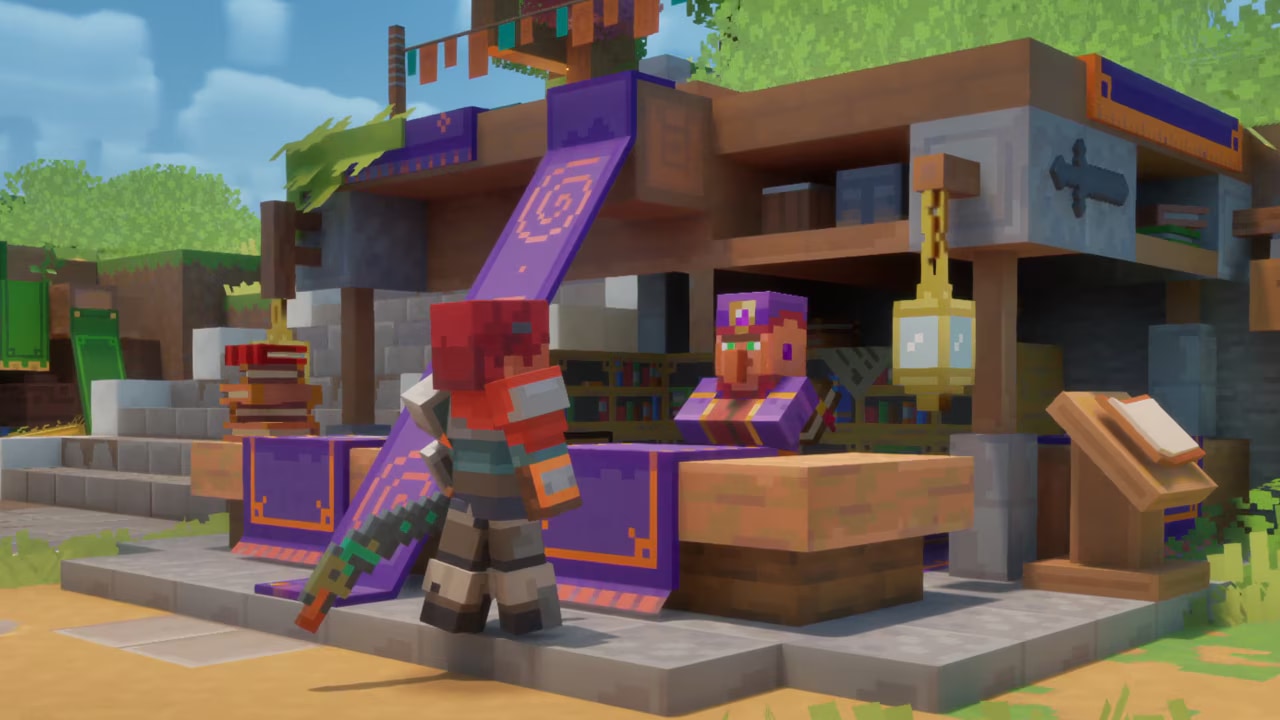
This reference helps you narrow down which effect to inspect when you find an enchantment book. Published lists from September 2026 differ in coverage and sometimes in equipment classification. The names below are examples reported in a pre-launch editorial snapshot and also recorded by a community Wiki; they are not a complete launch catalog or a promise that every effect can be applied to every item.
Which enchantments match your playstyle?
| Your goal | Reported examples | What to check in the game |
|---|---|---|
| More room to reposition | Somersault, Frost Crescent | Whether extra rolls or slowing effects suit the item and encounter |
| Add elemental pressure | Fire Aspect, Lightning Surge, Poison Fog, Thundering | Trigger conditions, target coverage and the item’s eligible effect list |
| Support healing or Souls | Ancient Alchemy, Healing Smite | Whether the stated trigger happens often in your build |
| Improve artifact use | Artifact Amplifier | Which artifact behavior benefits from the effect |
| Change a ranged shot | Piercing | Whether a projectile can pass through multiple targets in your setup |
| Add a special attack or stealth option | Ender Mines, Shadowcloak | The exact activation condition and compatible gear |
Dynamo is another reported name, but published sources place it in different equipment categories. Check the Enchantsmith’s eligible item list before planning around it. Do not spend Enchantment Points or Echo Shards based on a third-party category label alone.
How do you verify an effect before applying it?
- Confirm the corresponding book is in your library.
- Select the gear you intend to keep using at the Enchantsmith.
- Read the effect text and its trigger on the current game screen.
- Check that the effect appears for this item and review both resource costs.
- Apply it only after comparing it with your other available effects.
The enchanting walkthrough covers the process. This page does not assign fixed tier percentages, a universal maximum level, book drop rates or a final best-in-slot ranking. Those values require verification against a specific game build.
Keep exploring
guides
Minecraft Dungeons 2: How to Get Echo Shards
Find out how to get Echo Shards in Minecraft Dungeons 2, where they fit into enchanting, and what to check before spending them.
guides
Minecraft Dungeons vs Minecraft Dungeons 2: What Changed
Compare the first Minecraft Dungeons with Minecraft Dungeons 2: world structure, gear slots, enchanting, talismans and ranged ammo.
guides
Minecraft Dungeons 2 Beginner Guide
Start Minecraft Dungeons 2 with a clear plan: learn movement, follow quests, compare equipment, unlock enchanting and choose how to play.