
Minecraft Dungeons 2: How to Enchant Gear
Learn how to enchant gear in Minecraft Dungeons 2: unlock the Enchantsmith, use your book library, check resource costs and upgrade effects.
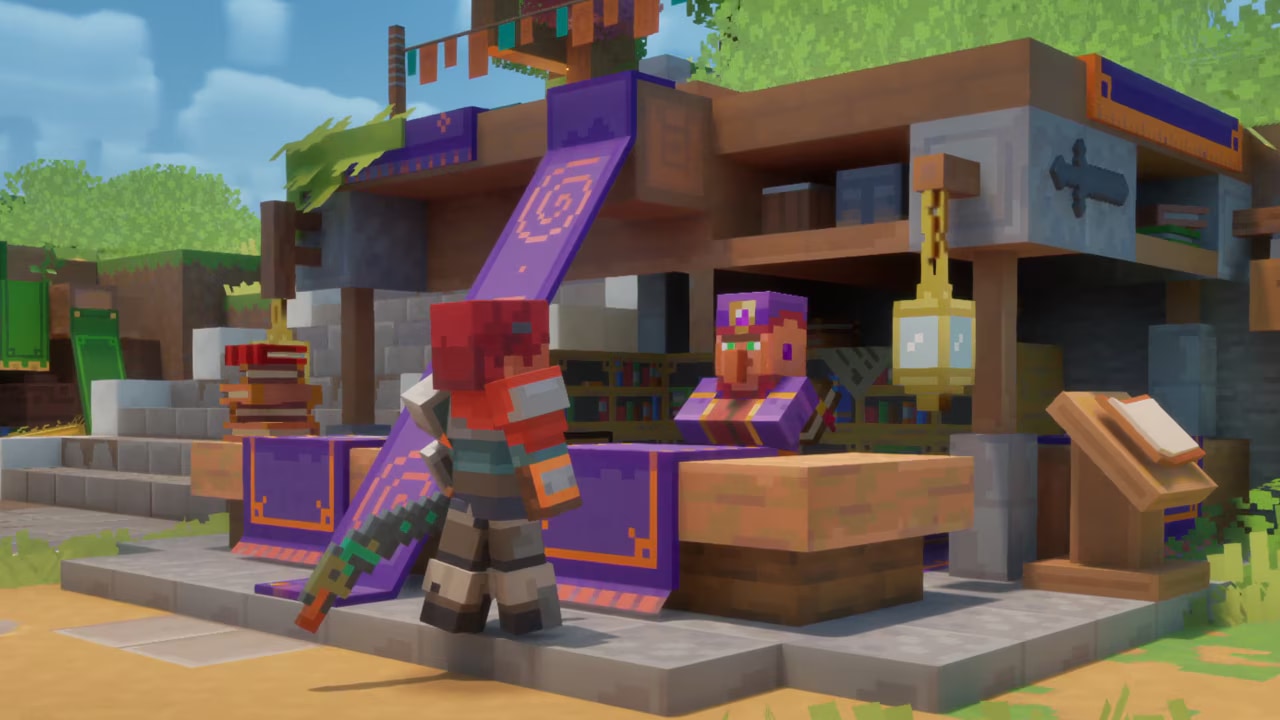

Minecraft Dungeons 2 enchanting separates the effect you have learned from the equipment you want to improve. Your book library gives you choices; the Enchantsmith applies those choices to eligible gear. This guide covers the launch-period system on PC and consoles, without assuming a particular controller layout.
What should you prepare?
You need access to the Enchantsmith, an enchantment book added to your library, eligible equipment, and the resources displayed for the action. Enchantment Points and Echo Shards are different resources: having enough of one does not mean you can afford the action.
Progress the story until the enchanting introduction becomes available. The introductory task is reported as Training With the Enchantsmith. Do not treat level 15 as a required unlock level: it describes one player’s progress, not a universal threshold.
How do you enchant gear in Minecraft Dungeons 2?
- Find the Enchantsmith in Brave Haven, near the town’s travel/arrival point.
- Open the service and choose the equipment you actually intend to use.
- Review the enchantments available from your library for that item. An effect being in the library does not establish that it is compatible with every item.
- Compare the effect description with your playstyle. A bonus for an attack you rarely use is not automatically an improvement.
- Check both resource requirements shown in the interface before confirming.
- After applying the effect, inspect the equipped item again to confirm the result.
Enchantment books can be reused. Avoid planning your build as though applying a known effect permanently destroys the book.
If you are deciding between effects rather than learning the controls, use the enchantment reference to shortlist movement, survival, elemental and ranged options. Confirm the trigger and compatibility in your own game before spending resources; launch-period published lists do not agree on every item category.
Applying, upgrading, or changing gear?
First choose the item, then decide on the effect, then consider upgrades. This order helps avoid investing in a piece you were about to replace. Enchantments can be improved over time, and the Enchantsmith also has an upgrade path involving Echo Shards.
Compare the actual benefits and costs on your screen. This guide does not assume that a resource refund or a free undo is available. If you are experimenting, start with a piece that already suits your equipment plan.
Why is the option unavailable?
Check the story introduction, your library, item compatibility and each resource balance separately. These are checks, not a claim that every disabled option has the same cause. Exact button prompts vary by platform; use the labels displayed in your game.
No fixed maximum enchantment level or universal resource cost is asserted here. Those values need to match the particular effect and game build you are using.
Keep exploring
guides
Minecraft Dungeons 2: How to Get Echo Shards
Find out how to get Echo Shards in Minecraft Dungeons 2, where they fit into enchanting, and what to check before spending them.
guides
Minecraft Dungeons vs Minecraft Dungeons 2: What Changed
Compare the first Minecraft Dungeons with Minecraft Dungeons 2: world structure, gear slots, enchanting, talismans and ranged ammo.
guides
Minecraft Dungeons 2 Beginner Guide
Start Minecraft Dungeons 2 with a clear plan: learn movement, follow quests, compare equipment, unlock enchanting and choose how to play.