
Minecraft Dungeons 2 Co-op & Crossplay Guide
Choose local, online or mixed co-op in Minecraft Dungeons 2. Understand the four-player limit, crossplay, matchmaking and party codes.
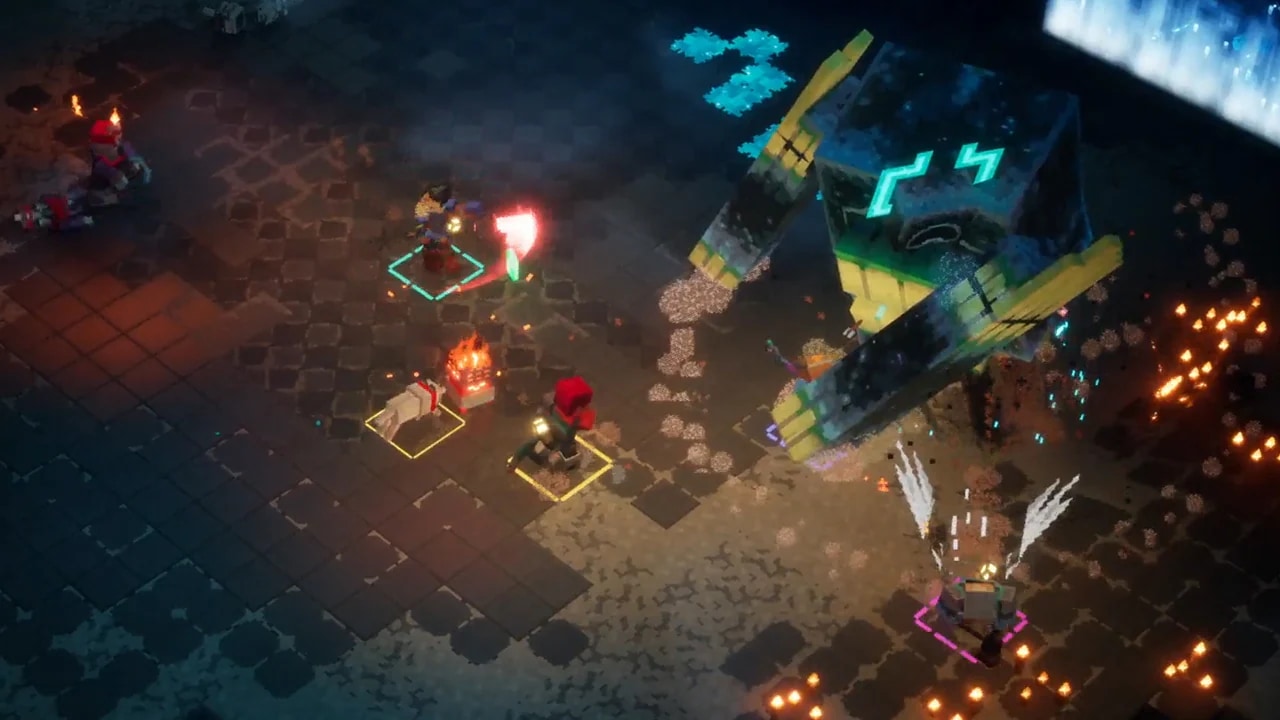

Minecraft Dungeons 2 co-op supports a solo adventure or a party of up to four. The useful first decision is where your players are: on one device, on separate devices, or a mixture. This guide explains the available arrangements before you organize a session on PC or console.
Which Minecraft Dungeons 2 co-op mode fits your group?
| Your group | Mode to use | What it means |
|---|---|---|
| Players in the same room, sharing a device | Local couch co-op | Join the same local session |
| Players connecting from separate devices | Online co-op | Connect through the online multiplayer options |
| A local pair plus remote friends | Mixed co-op | Combine local participants and online participants |
| No existing group | Matchmaking | Look for other players seeking a party |
Up to four means four in the entire party. Two players on one console plus two remote players is a four-person party, not a way to add four remote players on top.
How should you prepare a session?
- Count the total players and keep the group within the four-player limit.
- Decide who will play locally and who will connect online.
- For online or mixed play, open the online multiplayer options. The available systems include matchmaking and party codes.
- Use a party code when connecting to a particular party, or matchmaking when looking for a group.
- Confirm who has joined before starting a shared activity.
- If players become separated, check the world map and the option to teleport to a nearby friend.
The precise menu wording, account prompts and platform-service requirements should be checked on the devices in your group. This is a mode-selection guide, not a verified screenshot walkthrough for every console interface.
Some launch-day “invite friends” and “turn on crossplay” articles explicitly derive their menu steps from the first game because the sequel’s exact screens were not yet documented. Treat those button sequences as provisional. Use the options visible in your current game, and keep crossplay separate from the unconfirmed question of cross-progression.
Does the game support crossplay?
Yes: online cross-play is part of the announced co-op system. Crossplay describes players joining across platforms. It does not by itself confirm cross-save, progress transfers, guest-account persistence or the number of Microsoft accounts needed for local play.
Those distinctions matter when you are deciding who will host or which account will keep a character. Do not assume an answer from the first Minecraft Dungeons applies unchanged here.
What should you agree before exploring?
Choose a shared objective and regroup before continuing into another region. World navigation explains why a remembered cave layout may not be a reliable route. Each player can use the equipment guide to understand their own gear without assuming rigid class roles.
Starting alone first? The beginner guide covers the same systems in a useful learning order. Before assigning party roles, review the equipment slots and passive talismans available to each hero.
Keep exploring
guides
Minecraft Dungeons vs Minecraft Dungeons 2: What Changed
Compare the first Minecraft Dungeons with Minecraft Dungeons 2: world structure, gear slots, enchanting, talismans and ranged ammo.
guides
Minecraft Dungeons 2 Beginner Guide
Start Minecraft Dungeons 2 with a clear plan: learn movement, follow quests, compare equipment, unlock enchanting and choose how to play.
guides
Minecraft Dungeons 2 Enemy Guide: Threats and Fight Priorities
Identify common Minecraft Dungeons 2 enemy threats and choose a response to explosions, ranged attacks, buffs and crowded fights.